
How to Record Live TV on IPTV (TiviMate & Smarters Guide)
Learn how to record live TV on IPTV with TiviMate and IPTV Smarters: storage setup, USB drives, scheduling, Fire TV tips, file sizes and fixes for…

Get 50,000+ live channels and 134,000+ on-demand titles with a built-in TV guide, streamed over your own internet connection. IPTV USA works with the player apps you may already use on Fire TV, Android TV, Apple devices and Samsung or LG Smart TVs.
New to IPTV? Start with how IPTV works, the 5-step setup or our troubleshooting guides.
About the Service
IPTV stands for Internet Protocol Television. Instead of arriving through a cable or satellite connection, live channels and on-demand titles are streamed over the internet to an app on your TV, phone, tablet or computer. IPTV USA is a subscription service that supplies the streams and the TV guide. You supply the internet connection and a compatible player app.
That split matters. The subscription (the channels and the movie library) and the player app (the software that displays them) are two separate things. Popular players such as TiviMate, IBO Player and IPTV Smarters are built by independent developers and contain no channels of their own. Our TiviMate vs IPTV Smarters Pro comparison explains how the two best-known players differ.
Picture quality depends on both ends of the connection: the provider's servers and your home network. A wired or 5 GHz Wi-Fi connection, a modern streaming device and enough bandwidth for every screen in use make the biggest difference. The speed guide below shows what each quality level needs, and if you are moving away from a cable bill, read the most common mistakes people make when switching from cable to IPTV first.
What You Get
Everything below comes with every plan. Only the length of the plan changes.
News, entertainment, kids, movies and sports channels, organised into groups inside your player app so you can build a favourites list.
A large movie and series library you can pause, resume and watch on your schedule, with the library updated regularly.
See what is on now and next, and plan your viewing. Players such as TiviMate can also schedule recordings from the guide. See how recording works.
Football, basketball, NFL, F1, boxing, golf and more, on dedicated sports channels. Explore the sports lineup.
Standard login details that work with well-known IPTV player apps, so you are not locked into a single app. Check supported devices.
Message the team on WhatsApp or by email for help with installation, activation or a stream that is not behaving. Contact support.

Plans & Pricing
Prepaid plans for 3, 6 or 12 months, priced in US dollars. There is no hardware to buy if you already own a compatible device. Not sure yet? Ask for a free trial first.
Monthly figures are the plan price divided by the number of months. Pay with PayPal, credit/debit card or cryptocurrency. Want to test first? Request a free trial or compare plan details on the pricing page.
Compatibility
IPTV USA gives you standard login details. You choose the player app that suits your device.
One of the most popular IPTV devices. Install a player through the Amazon Appstore or the Downloader app. Our Firestick IPTV setup tutorial walks through it.
Player options: TiviMate, IPTV Smarters, IBO Player
The best platform for TiviMate, with full-size USB ports for recording. Installs straight from Google Play on most devices.
Player options: TiviMate, IPTV Smarters, IBO Player
Use a player your TV's app store lists, such as IBO Player. App availability varies by model and region. If your TV does not offer one, plug in a Fire TV Stick or Android TV box.
Player options: IBO Player, IPTV Smarters, GSE Smart IPTV
Watch at home or on the move with an iOS-compatible player from the App Store. TiviMate is not available on Apple devices.
Player options: IPTV Smarters and other iOS players
Use a desktop IPTV player, or any media player that can open an M3U playlist, to watch on a laptop or monitor.
Player options: IPTV Smarters, XCIPTV, M3U-capable players
Install a player from Google Play and enter your login details. Handy as a second screen alongside your main TV.
Player options: IPTV Smarters, XCIPTV, IBO Player
Roku or another device not listed? See the installation guide and the device setup guides, or ask our team. Unsure which player to pick? Read our TiviMate vs IPTV Smarters Pro comparison.
IPTV Explained
If you understand the four links in the chain, almost every streaming problem becomes easy to diagnose.
Live channels and the on-demand library are stored and streamed from here.
Your ISP and the route between the servers and your home carry the stream.
Your router and Wi-Fi, or a wired Ethernet cable, deliver it to your device.
The app turns the stream into the picture on your TV, phone or computer.
Live channels are streamed in real time, so any hiccup in your connection shows up immediately. On-demand movies and series are stored on the provider's servers and streamed when you press play, which is why you can pause and resume them. The way streams are delivered over the network is covered in IPTV multicast vs unicast.
After you subscribe you receive either an Xtream-style login (server address, username and password) or an M3U playlist link. Your player app reads it to build the channel list and TV guide. If a playlist ever shows up empty, this guide to restoring an IBO Player playlist explains the usual causes.
You need both. The subscription gives you the content; the player app gives you the interface, the TV guide view and features such as favourites and recording. Paying for a player app does not give you channels, and a subscription does not include a premium player.
Buffering usually comes from the home network or the device rather than the provider: weak Wi-Fi, an overloaded router, a slow ISP route at peak hours, or a low-powered streaming stick. Our complete IPTV buffering guide shows how to find which link is the problem.
Setup
Most people are watching within half an hour of ordering.
Pick a 3, 6 or 12-month plan above, or message us on WhatsApp to ask for a free trial and test the service on your own devices first.
Your details arrive by email or WhatsApp within 20 minutes of ordering. You will get an M3U playlist link or Xtream-style login details. Keep them somewhere safe, and copy and paste them rather than typing, because a single wrong character is the most common cause of login errors.
Choose one of the players that work with IPTV USA: TiviMate, IBO Player, IPTV Smarters, GSE Smart IPTV or XCIPTV. Install from your device's official app store where possible. On a Fire TV Stick you may need to allow apps from unknown sources and use Downloader; the Firestick setup tutorial shows each click.
Open the app, choose the Xtream or M3U option, and paste in your details. IBO Player works slightly differently: it shows a Device ID and key that you use to add the playlist on its website. If your channel list comes up empty, check fixing IPTV authorization and EPG errors.
Open a few live channels and check the TV guide has loaded. Test at the time of day you normally watch, and use Ethernet or 5 GHz Wi-Fi if you can. If playback stutters, work through the troubleshooting fixes below.
Quality & Speed
Plan around sustained speed at your usual viewing time, not the headline number on your internet bill.
| Quality | Suggested speed per stream | Best suited to |
|---|---|---|
| HD (720p) | 5–8 Mbps | Phones, tablets, smaller TVs |
| Full HD (1080p) | 10–15 Mbps | Most TVs and everyday viewing |
| 4K Ultra HD | 25 Mbps or more | Large 4K TVs, sports and movies |
| Several screens at once | Add the figures together | Households watching in different rooms |
A connection that tests fast at 3 a.m. can still struggle on a busy evening. Run a speed test at your normal viewing time, and leave some headroom for everything else on your network.
Still buffering? The step-by-step IPTV buffering guide covers ISP throttling, VPNs and player buffer settings.
Buyer's Guide
IPTV as a technology is legal and widely used by licensed broadcasters. What matters is whether a provider has the right to distribute the content it sells. That is hard to judge from the outside, so use this checklist with any provider, including us.
Ask who licenses the channels and on-demand titles, and for which regions. A trustworthy provider answers plainly. Vague or evasive answers are a warning sign.
Look for clear plan lengths, renewal terms and a way to raise billing problems. Be wary of "lifetime" deals and prices far below the market.
Test on your own devices, on your own network, at your usual evening viewing time, before committing to a long plan.
Look for named channels such as WhatsApp or email, and try them with a pre-sales question. Response speed before you pay is a good preview of response speed after.
Cards and PayPal offer dispute options that some other payment routes do not. Never send payment to a personal account you cannot verify.
"Zero buffering" and "everything, everywhere" are marketing, not engineering guarantees. Playback also depends on your own network and device.
Login details in standard Xtream or M3U formats work with many third-party apps, so you can change player without changing provider.
Share only what an order needs and use a unique password. If you are weighing a VPN, read why IPTV users consider one and the trade-offs involved.
Before you pay, message our team about content, connections included in each plan, supported devices and the free trial. You will get a straight answer.
Compare
Use the middle column with any provider. The last column shows what IPTV USA states on this site.
| Feature | What to look for | IPTV USA |
|---|---|---|
| Live channel library | The categories you actually watch: news, sports, kids, local-interest channels | 50,000+ live channels |
| On-demand library | Movies and series you want, in the languages you want | 134,000+ titles, updated regularly |
| Picture quality | Which channels are HD, Full HD or 4K, not just the maximum | 4K, FHD and HD streams |
| TV guide (EPG) | Guide data included and compatible with your player app | TV guide included |
| Device and app support | Standard Xtream or M3U details, so you can choose your own player | M3U or login details; works with TiviMate, IBO Player, IPTV Smarters, GSE Smart IPTV and XCIPTV |
| Support | Real contact channels you can test before buying | WhatsApp and email, 24/7 |
| Trial | A way to test on your own devices at peak hours | Free trial on request |
| Payment | Protected methods and clear pricing | PayPal, cards, cryptocurrency |
| Contract | Clear plan length and renewal terms | Prepaid 3, 6 and 12-month plans |
Channel and title counts are the totals we state for the service. Availability of individual channels and picture quality can vary by region and over time. If a particular channel matters to you, ask before you subscribe.
Troubleshooting
A quick first fix for each, and a full guide when you need more detail.
Restart your router and device, switch to Ethernet or 5 GHz Wi-Fi, and test at a quieter time of day.
Buffering fix guide →Free up storage, clear the app cache, use the original power adapter and keep the stick cool.
Firestick crash guide →Re-copy the playlist link, confirm your subscription is active, then restart the app and device.
Restore your playlist →Check the username, password and server address for typos, then refresh the guide source.
Login and EPG fixes →Pause the VPN to confirm it is the cause, then try another server or protocol.
VPN black screen fix →Change the player's decoder, check Bluetooth or soundbar delay, and update the app.
Lip sync fix guide →Test another device and check your account first. Change network settings only once you know the cause.
Channel not working guide →TiviMate Premium on an Android TV or Fire TV device can record and schedule from the guide.
Recording tutorial →Follow football, basketball, NFL, F1, boxing, golf, rugby and cricket on dedicated sports channels, with live scores, schedules and the TV guide in one place with your IPTV USA subscription. Live sports are the most demanding streams, so a wired connection and a capable device make a real difference.


Business Opportunity
Run your own IPTV business with a dedicated reseller panel and support from our team. No technical background is needed to get started.
See the Reseller ProgramFrom the Blog
Practical, step-by-step help for setting up, comparing and troubleshooting IPTV.
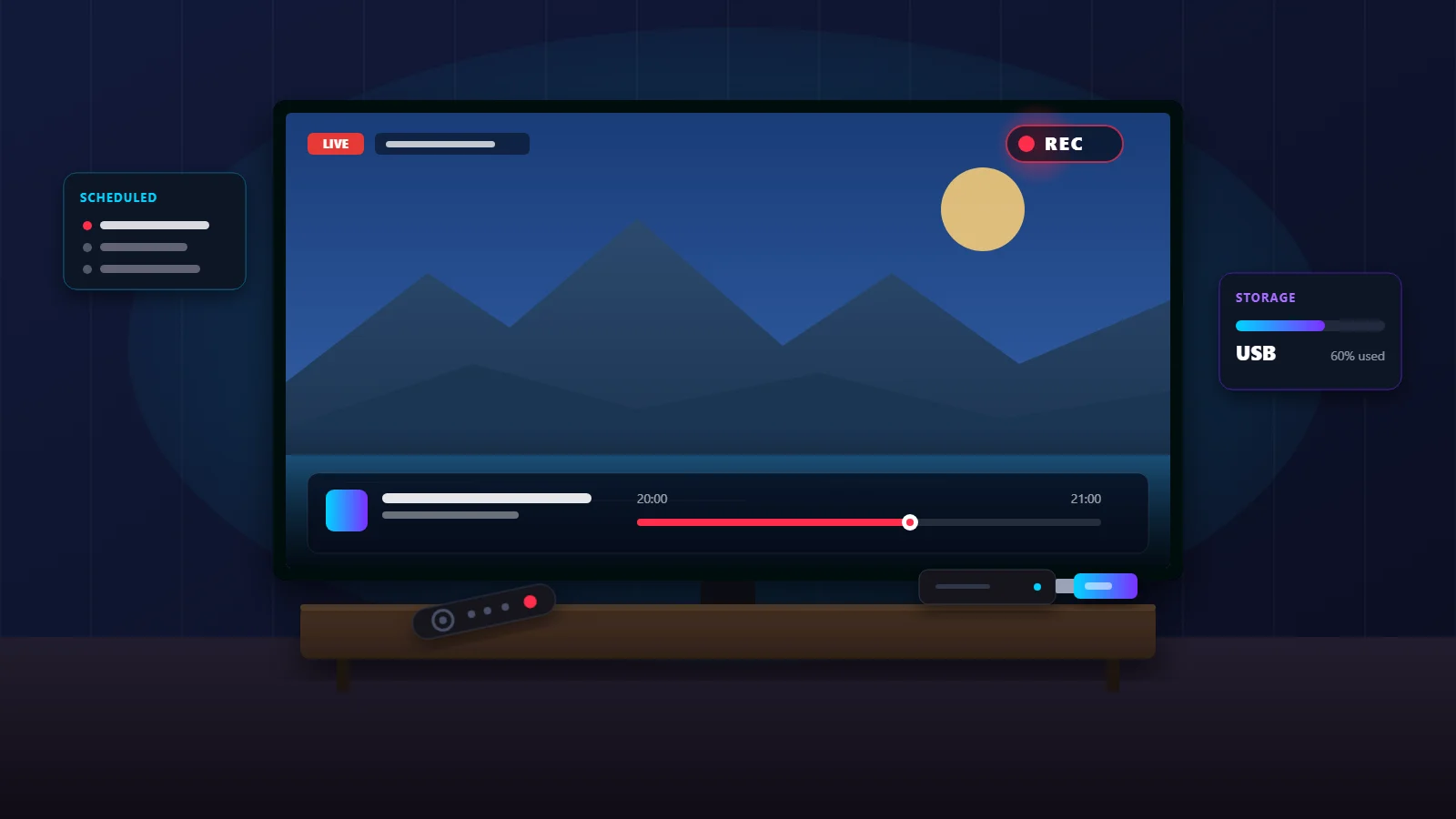
Learn how to record live TV on IPTV with TiviMate and IPTV Smarters: storage setup, USB drives, scheduling, Fire TV tips, file sizes and fixes for…
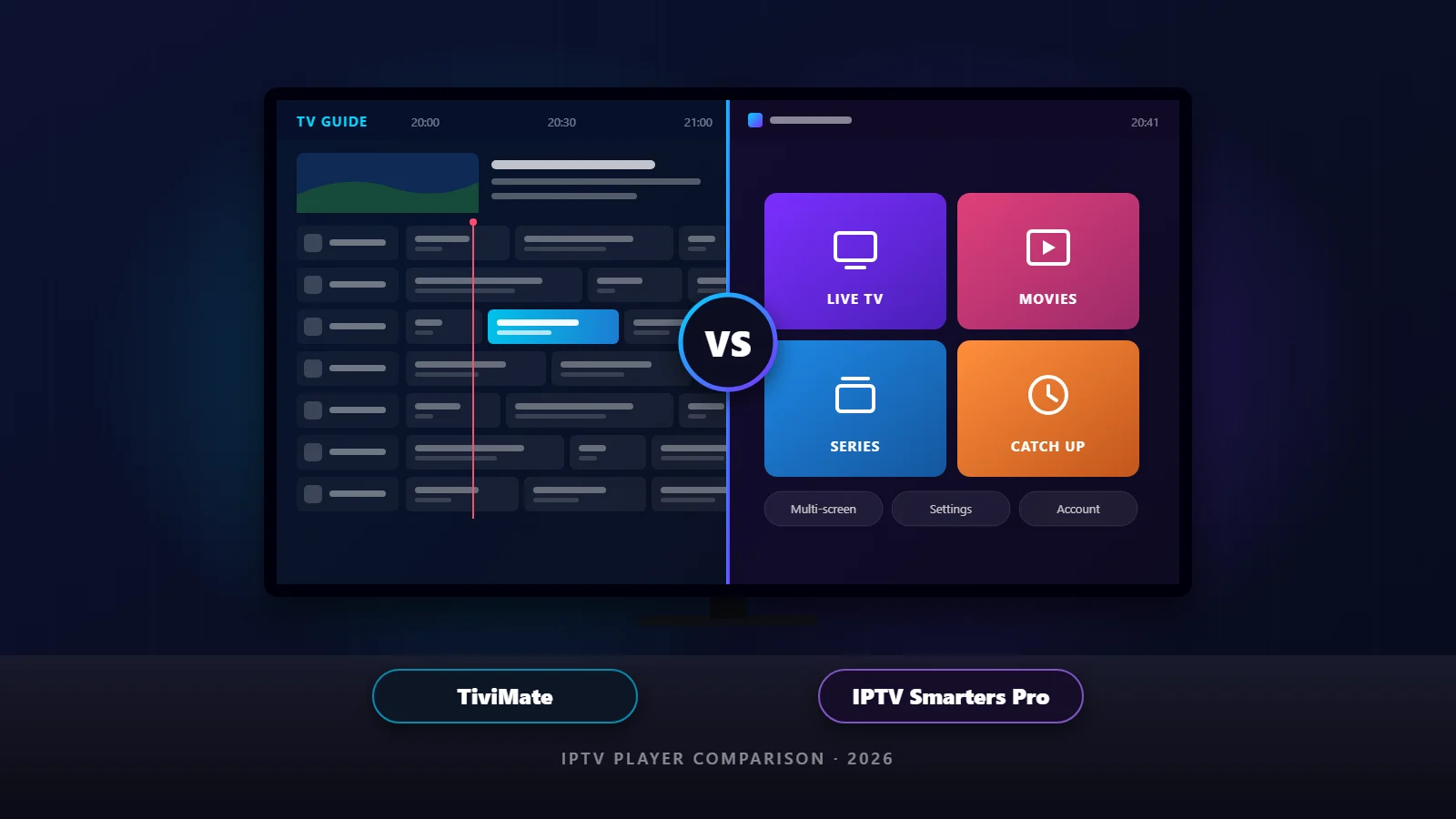
TiviMate vs IPTV Smarters Pro compared for 2026: interface, TV guide, devices, recording, pricing and ease of use. Find out which IPTV player fits…
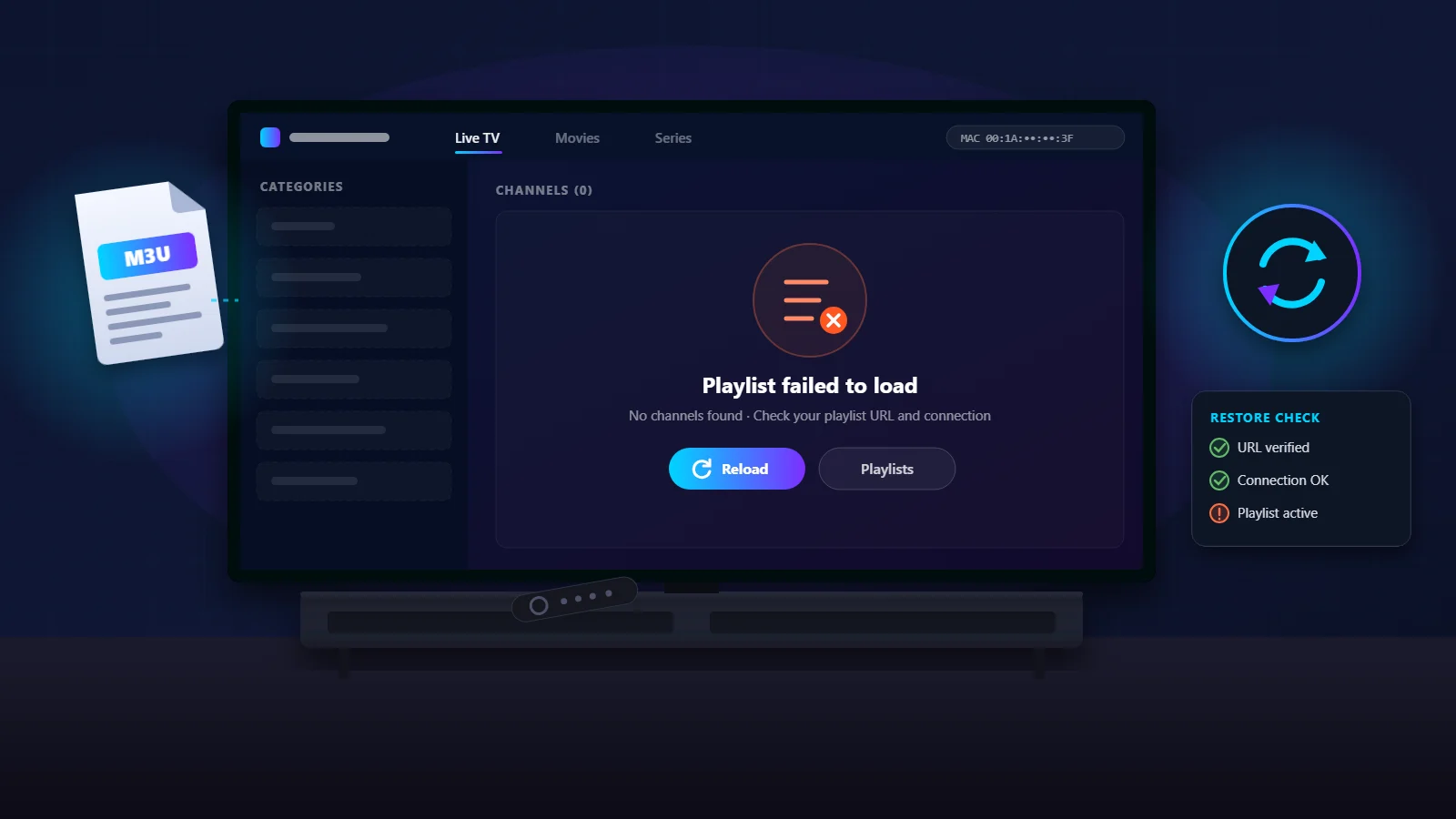
IBO Player playlist not working, empty or failing to load? Follow these step-by-step fixes to restore your M3U playlist on Smart TV, Android TV and…
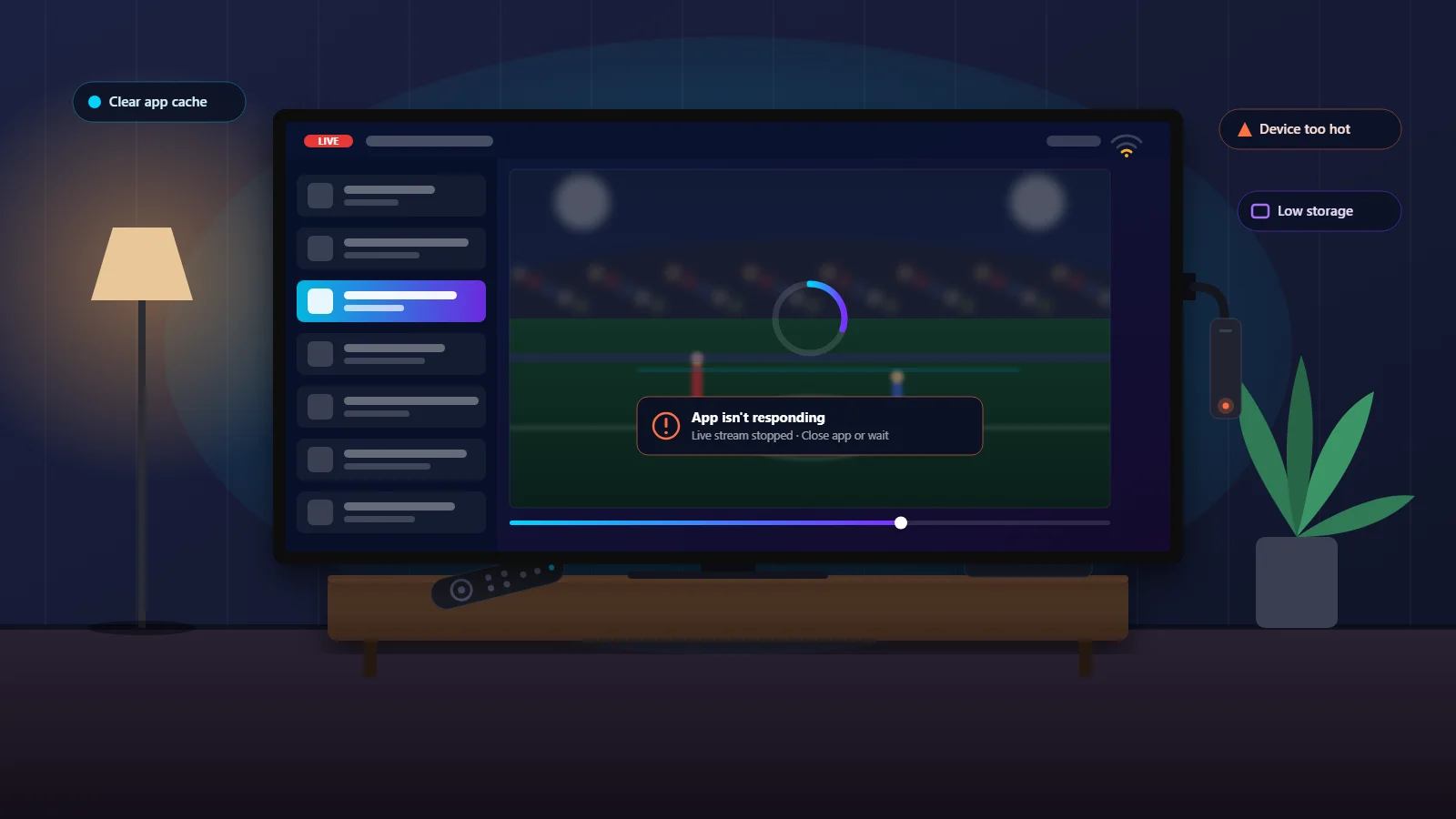
Firestick keeps crashing, freezing or restarting during live TV? Learn the real causes — low storage, overheating, weak power, app cache — and the…
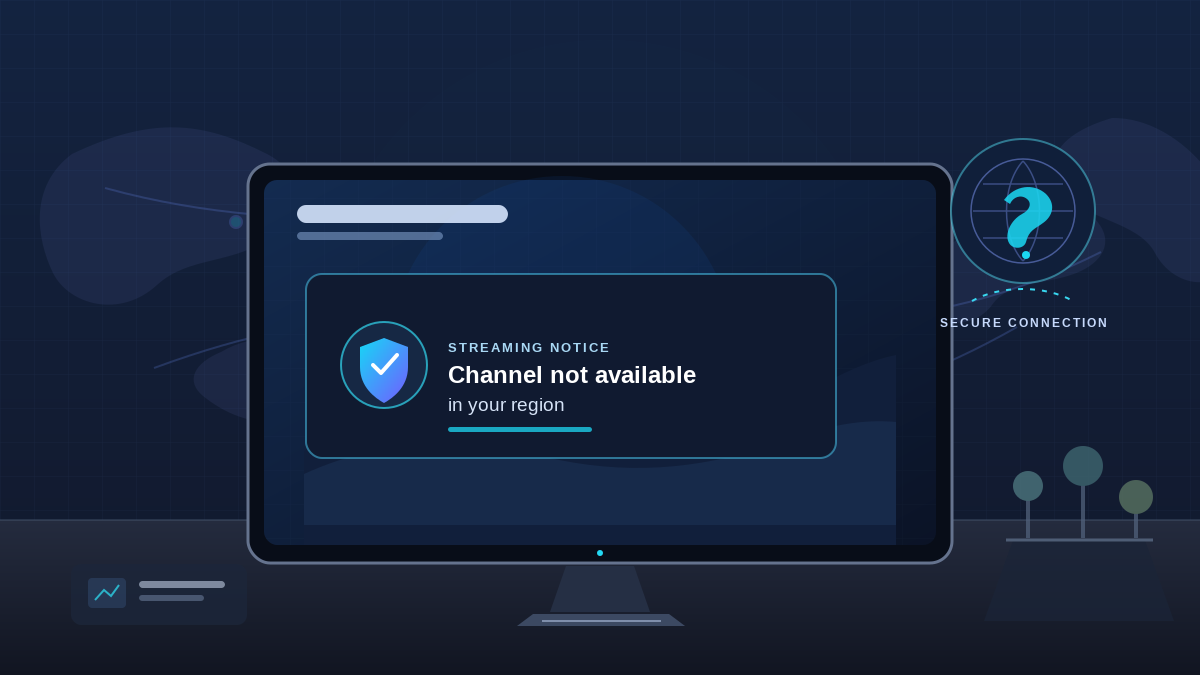
Fix Channel Not Working on your Smart TV with a clear guide to regional errors, VPNs, Smart DNS, router setup, and reliable streaming troubleshooting.
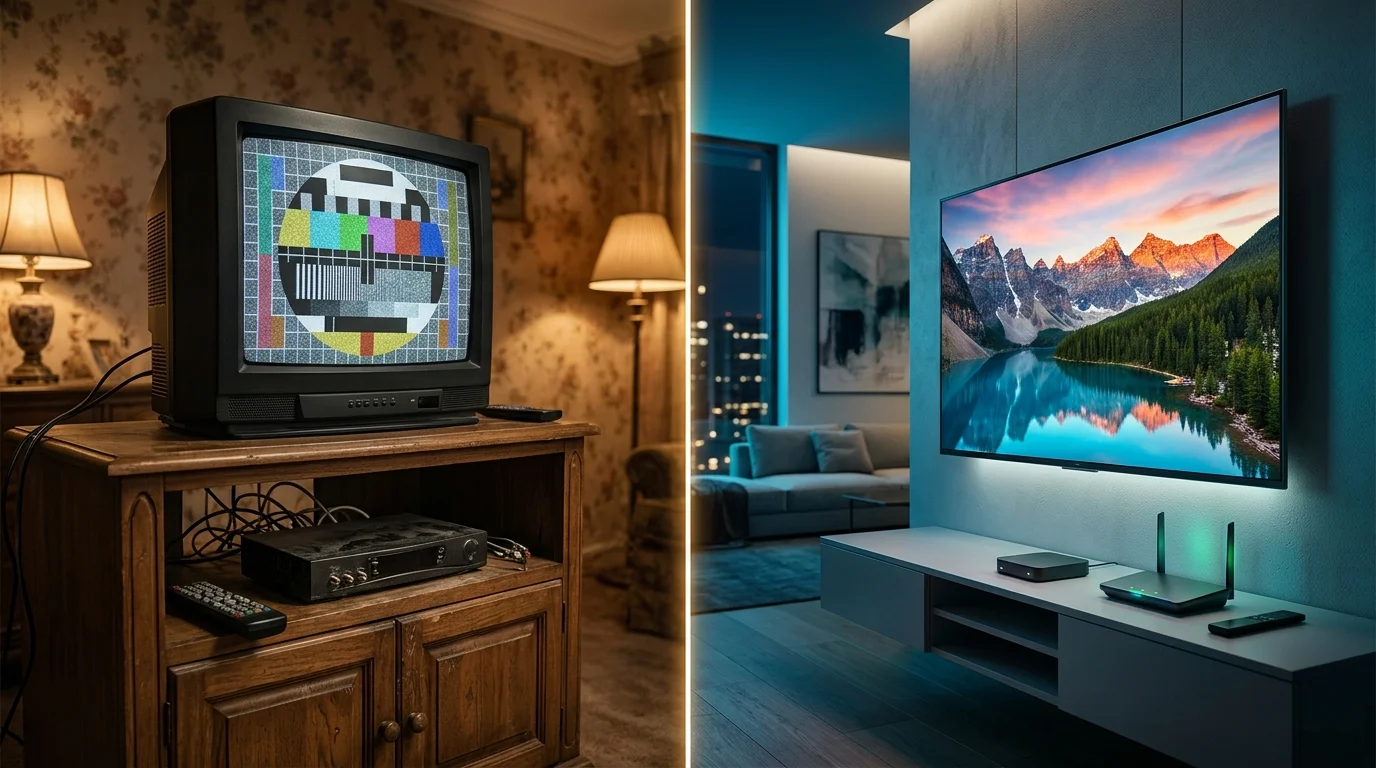
Switching from cable to IPTV? Avoid costly beginner mistakes. Expert tips on internet speed, device compatibility, app setup, and trial testing.
Site Guide
Have Questions?
IPTV USA is a subscription IPTV service that streams live TV channels and on-demand movies and series over the internet. It includes 50,000+ live channels, 134,000+ on-demand titles and a TV guide, and you watch through a compatible player app on your own device.
A provider streams channels and videos from its servers over the internet. A player app on your device receives the stream and shows it on screen. You need three things: a subscription, a player app and a reliable internet connection.
IPTV as a technology is legal and is used by many licensed broadcasters. Whether a particular service is lawful depends on whether it has the right to distribute the content it offers, and on the laws where you live. Ask any provider about content rights, and only watch or record content you are entitled to access.
IPTV USA works with Amazon Fire TV Stick, Android TV and Google TV boxes, NVIDIA Shield, Samsung, LG and Sony Smart TVs, iPhone, iPad and Apple TV, Android phones and tablets, and Windows and Mac computers, through player apps such as TiviMate, IBO Player, IPTV Smarters, GSE Smart IPTV and XCIPTV. App availability varies by platform and region. See the device guide above.
As a guide, plan on 5–8 Mbps per HD stream, 10–15 Mbps per Full HD stream and 25 Mbps or more per 4K stream, with extra headroom for other devices on your network. A wired Ethernet connection is the most reliable option. See the speed and quality table.
After you place your order, your login details arrive within 20 minutes by email or WhatsApp.
Yes. Contact us on WhatsApp or by email to request free trial access, so you can test IPTV USA on your own devices and network before you commit to a plan.
We accept PayPal, credit and debit cards, cryptocurrency and other secure payment methods.
Buffering is usually caused by a slow or unstable connection, weak Wi-Fi, an overloaded router or streaming device, or a congested ISP route at peak hours. Try Ethernet or 5 GHz Wi-Fi, restart your router and device, and close other apps. Our IPTV buffering guide covers the full diagnosis.
No, a VPN is not required. Some viewers use one for privacy, or if their ISP interferes with streaming, but a VPN can also slow streams or cause a black screen. Test with it on and off. Our guides on VPNs for IPTV and the VPN black screen problem explain the trade-offs.
Plans work with many device types. How many devices can stream at the same time depends on your plan, so confirm the connection limit with our support team before you order.
TiviMate is popular on Fire TV and Android TV for its TV guide and recording features, with a paid Premium upgrade. IPTV Smarters Pro is free to start and runs on more platforms, including Apple devices and computers. Our TiviMate vs IPTV Smarters Pro comparison helps you choose.
Get In Touch
Questions before you buy, or help with a stream? Our team is available 24/7.
24 hours a day, 7 days a week
Pick a plan, or ask for a free trial and test it on your own devices first. Setup takes most people under half an hour.